Meeting Features Roundup: Stage, Chat, YouTube, and Push-to-Talk
What ships in the modern Bedrud meeting room — and where to read the how-to docs.
Self-hosted video is not only “join and see faces.” Bedrud’s meeting shell now covers presentation layouts, richer chat, optional watch parties, and push-to-talk — still in one binary on your hardware.
This post is a map. Deep how-tos live under Using Bedrud in the docs.
Stage mode
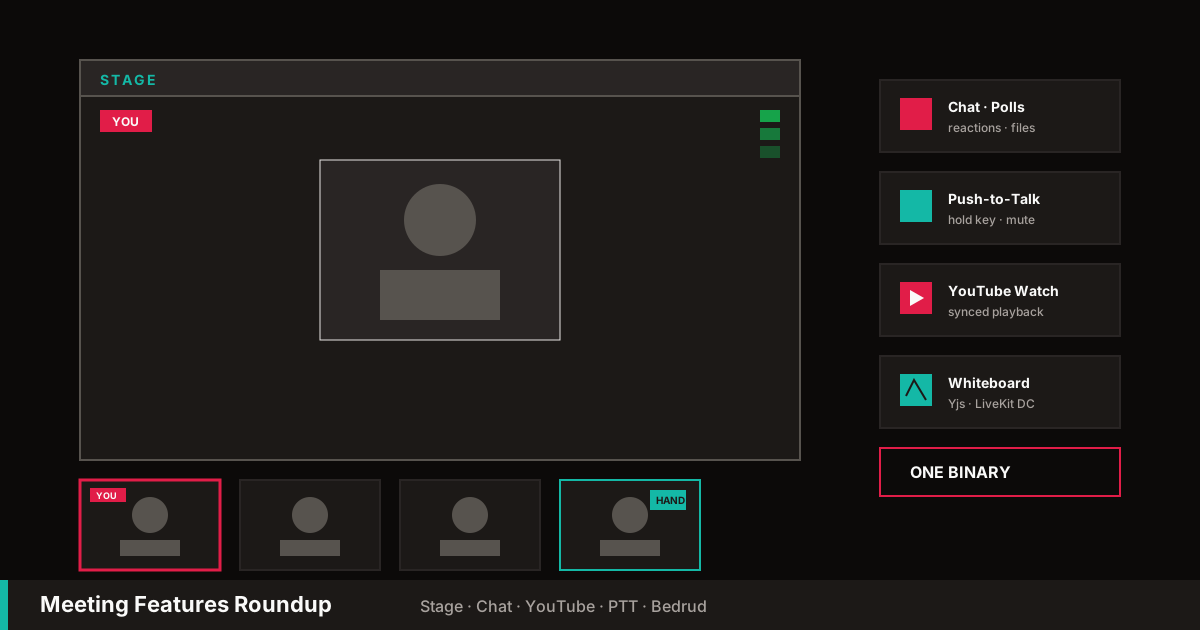
Present without fighting a free-for-all grid. Hosts can start stage, share the screen as a stage overlay, keep a participant strip, and end stage to return to normal layout. Late joiners should land in the correct stage state.
Collaborative whiteboard
Shared drawing with Yjs over LiveKit data channels. Multi-user strokes, select/move/delete, optional experimental toggle.
→ Collaborative Whiteboard · Engineering post
YouTube watch
Paste a URL, play roughly in sync, close for everyone. Also available behind Experimental settings when gated.
Chat: reactions, polls, attachments
In-room text is not a stub:
- Emoji reactions and composer emoji picker
- Polls with live vote updates
- Images / files within quota (chunked for large payloads)
- Client-side retention caps so long sessions stay bounded
Push-to-talk
Enable PTT in audio settings, capture a hold key, transmit only while held. Disable to restore normal mute toggle. Device switch mid-call without full reconnect.
Dashboard and account basics
Before the call: register, avatar, recent rooms, quick-join by slug or URL.
→ Account & Settings · Dashboard & Rooms · Joining a Meeting
Moderation and layout
Screen share outside stage, spotlight, room info, role-based context menus, and transport fallback UX when the network is hostile.
→ Meeting Controls · User Roles
What is still planned
Recording routes remain a planned/operator-facing path — do not treat full egress recording as universally production-complete on every release until docs un-gate it. Infrastructure, admin, LiveKit, and deploy guides stay the source of truth for operators.
Features page
Marketing cards for these meeting capabilities live on Features, each linking into the docs above.
Ship a binary, share a link, run the meeting — now with a whiteboard and a stage when you need them.